
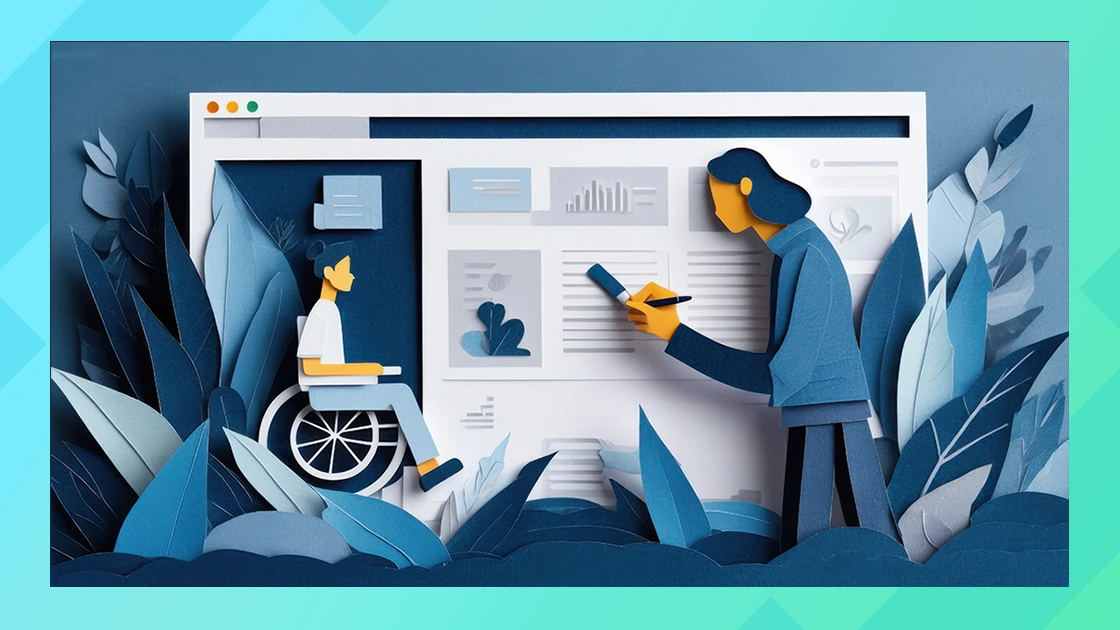
When you create or manage a website, accessibility might not always be top of mind—but it should be. Too many times we’ve come across websites that aren’t developed with accessibility in mind – poor color choices, headings that are out of order, missing alt tags, menus that are hard to navigate – we could go on. Don’t make these mistakes on your website. Website accessibility means designing and developing digital content in a way that everyone can use, including people with disabilities. That includes users who are blind, deaf, have limited mobility, or experience cognitive challenges.
Why Website Accessibility Is Important
- Inclusion and Equal Access
Everyone deserves equal access to online content. Accessibility ensures that all users can interact with websites, mobile apps, and digital documents regardless of their abilities. - Legal Compliance: Colorado HB-21
Accessibility isn’t just a best practice—it’s increasingly a legal requirement. In Colorado, HB-21-1110 mandates that by July 1, 2025, all state government websites, mobile applications, and digital documents must meet WCAG 2.1 standards. This law sets a precedent for how seriously governments are treating digital accessibility—and businesses should take note. - Staying Ahead with WCAG 2.2 Standards
While there’s no official deadline for WCAG 2.2 compliance yet, it reflects the latest thinking in digital accessibility. Adhering to WCAG 2.2 demonstrates a commitment to best practices and can better prepare you for future regulations. It includes updates that make content more accessible for people with cognitive and low vision impairments, among others. - Improved User Experience
Accessible websites are often easier to use for everyone. Clear navigation, readable fonts, and keyboard shortcuts enhance the experience for all users, not just those with disabilities. - Better SEO
Accessibility and SEO often go hand-in-hand. For example, using proper heading structures and alt text helps both screen readers and search engine crawlers.
Tips for Making Your Website Accessible
Here are some actionable ways to make your website more accessible:
- Use Descriptive Alt Text for Images
Alt text allows screen readers to describe images to users who are blind or visually impaired. - Ensure Adequate Color Contrast
Text should be easy to read against its background. Use tools like the WebAIM contrast checker to verify your design meets minimum contrast ratios. - Support Keyboard Navigation
Make sure users can navigate your site using just a keyboard—no mouse required. - Use Logical Heading Structures
Follow a consistent heading hierarchy (e.g.,<h1>,<h2>,<h3>) so screen readers and users can follow the content more easily. - Caption Videos and Provide Transcripts
Captions help deaf and hard-of-hearing users engage with video content. Transcripts are also useful for audio content like podcasts. - Avoid Using Color Alone to Convey Information
Supplement color cues with text or icons so all users can understand your message. - Audit with Accessibility Tools
Use tools like WAVE, Axe, or Google Lighthouse to identify and fix accessibility issues on your site.
Help Making Your Website Accessible
Need some help?
We can evaluate your current website for web accessibility problems. We work with WordPress sites to find and fix accessibility issues.
Final Thoughts
With laws like Colorado HB-21 taking effect and standards like WCAG 2.2 shaping the future of digital design, website accessibility is more than just a nice-to-have—it’s a must. Prioritizing accessibility not only helps you comply with regulations but also makes your website more inclusive, user-friendly, and search engine-friendly.
Whether you’re designing for a government agency, a business, or a nonprofit, taking steps toward accessibility is a smart and responsible move.
No related posts found.